SM-SR console
The SM-SR is the part of M2M eSIM provisioning that knows each eUICC: what is installed on it, which profile is enabled, and the queue of scripts waiting to reach it over the air. This console lets you watch all of that. Changing a profile happens through the SGP.02 interfaces, not here.
| Address | smsr.rsplab.click/console |
| Access | a grant on the SM-SR project (smsr) |
| Sign-in | RSP Lab account |
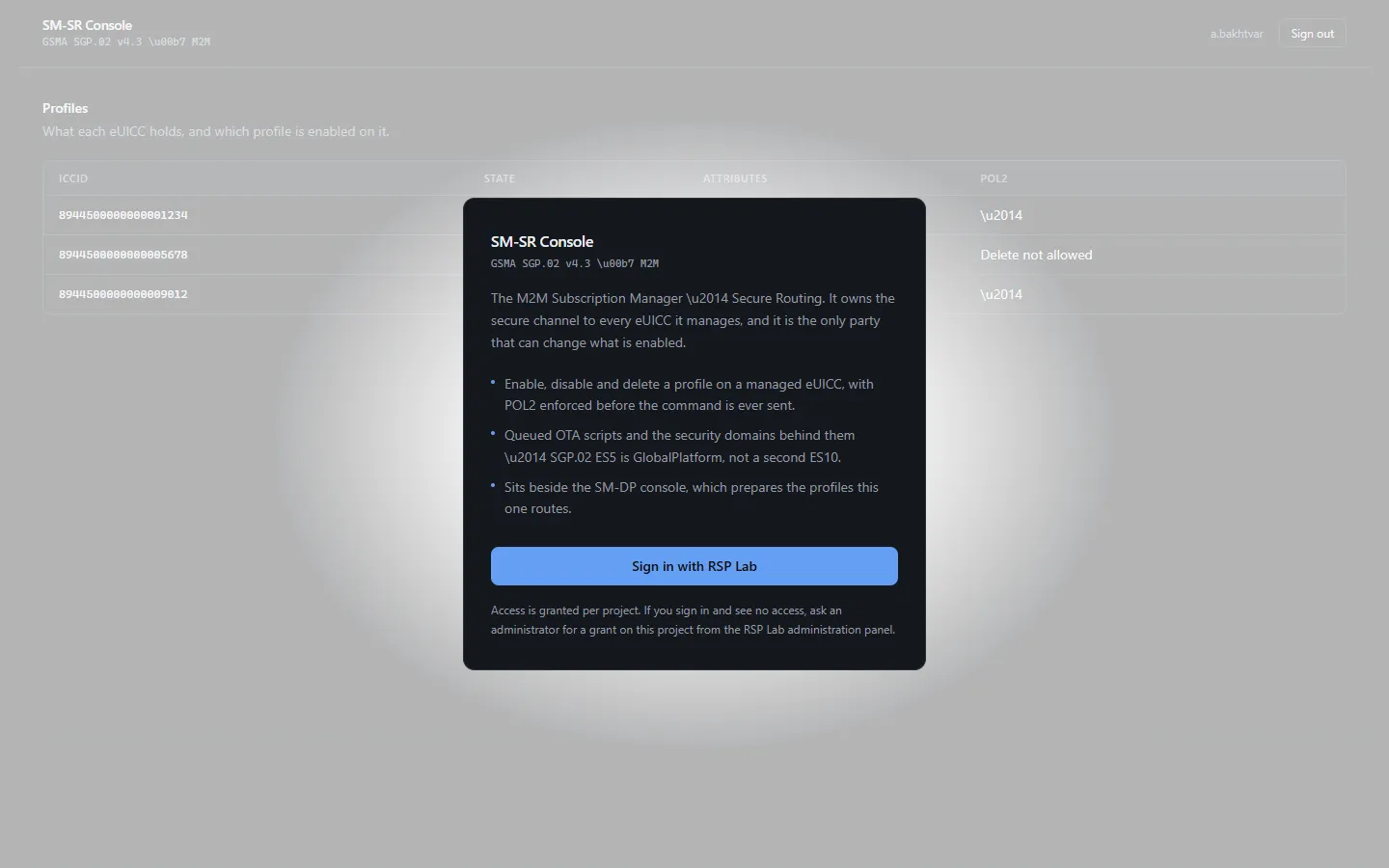
Quick path: follow an eUICC
- Find the eUICC in the list on the left. Not there? Enter its EID and Claim it.
- Select it. The right-hand pane shows its details, Profiles and OTA scripts.
- While a script is pending or in flight, the pane refreshes by itself — watching · updated shows when it last did.
The screen
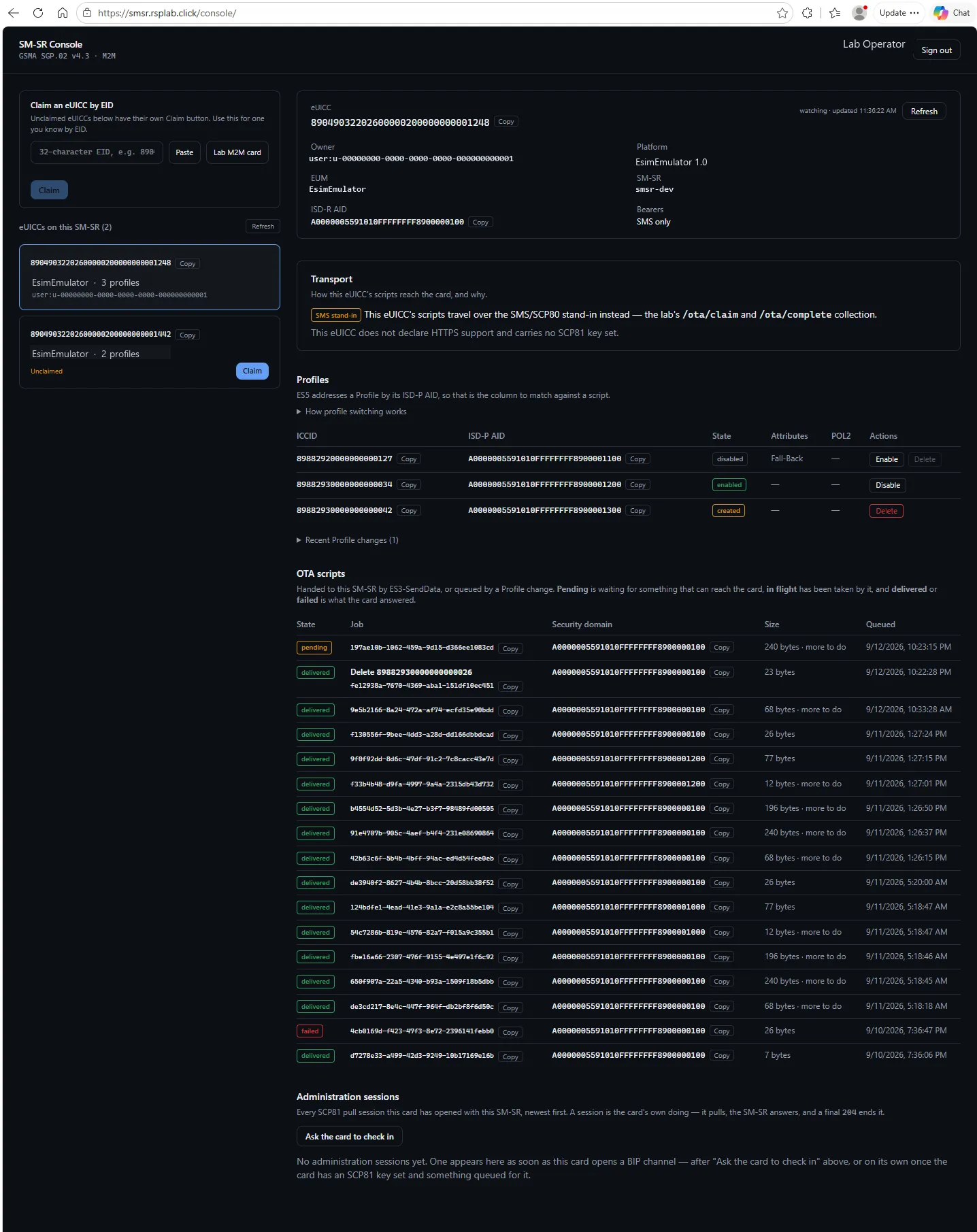
Left — the eUICCs. Administrators see eUICCs on this SM-SR; everyone else sees Your eUICCs. Once the list grows, a filter by EID or owner appears.
Right — one eUICC. Its owner, platform, manufacturer (EUM), SM-SR, the ISD-R AID (copyable), and which bearers it supports. Below that:
| Table | Shows |
|---|---|
| Profiles | Each profile on the card, by its ISD-P AID, and its state |
| OTA scripts | Each script queued for the card, and where it has got to |
A script moves through four states:
| State | Meaning |
|---|---|
| Pending | Queued, waiting to be picked up for delivery |
| In flight | Picked up and being played to the card |
| Delivered | The card received it |
| Failed | Delivery did not complete |
Claiming an eUICC
Claim (maintain) records you as the eUICC’s owner in this lab, so it appears under Your eUICCs. It is lab bookkeeping — it changes nothing on the card and nothing in SGP.02. An eUICC someone else has already claimed cannot be claimed again.
Why there are no Enable or Delete buttons
Enabling, disabling and deleting profiles are governed by policy rules the SM-SR enforces as part of SGP.02. Putting those buttons in a console would mean a second, separate copy of those rules that could disagree with the real one. So the console shows state; the protocol changes it.
Troubleshooting
| You see | Why | What to do |
|---|---|---|
| No eUICC to show yet | None registered, or none of them are yours | Claim one by EID, or register a new eUICC through the SGP.02 interface |
| A script stays Pending | Nothing has collected it for delivery yet | Delivery is pulled by the card side; check the device or the simulator |
| A script stays In flight for a long time | Delivery stalled part-way | An operator must mark it failed before the next script can go |