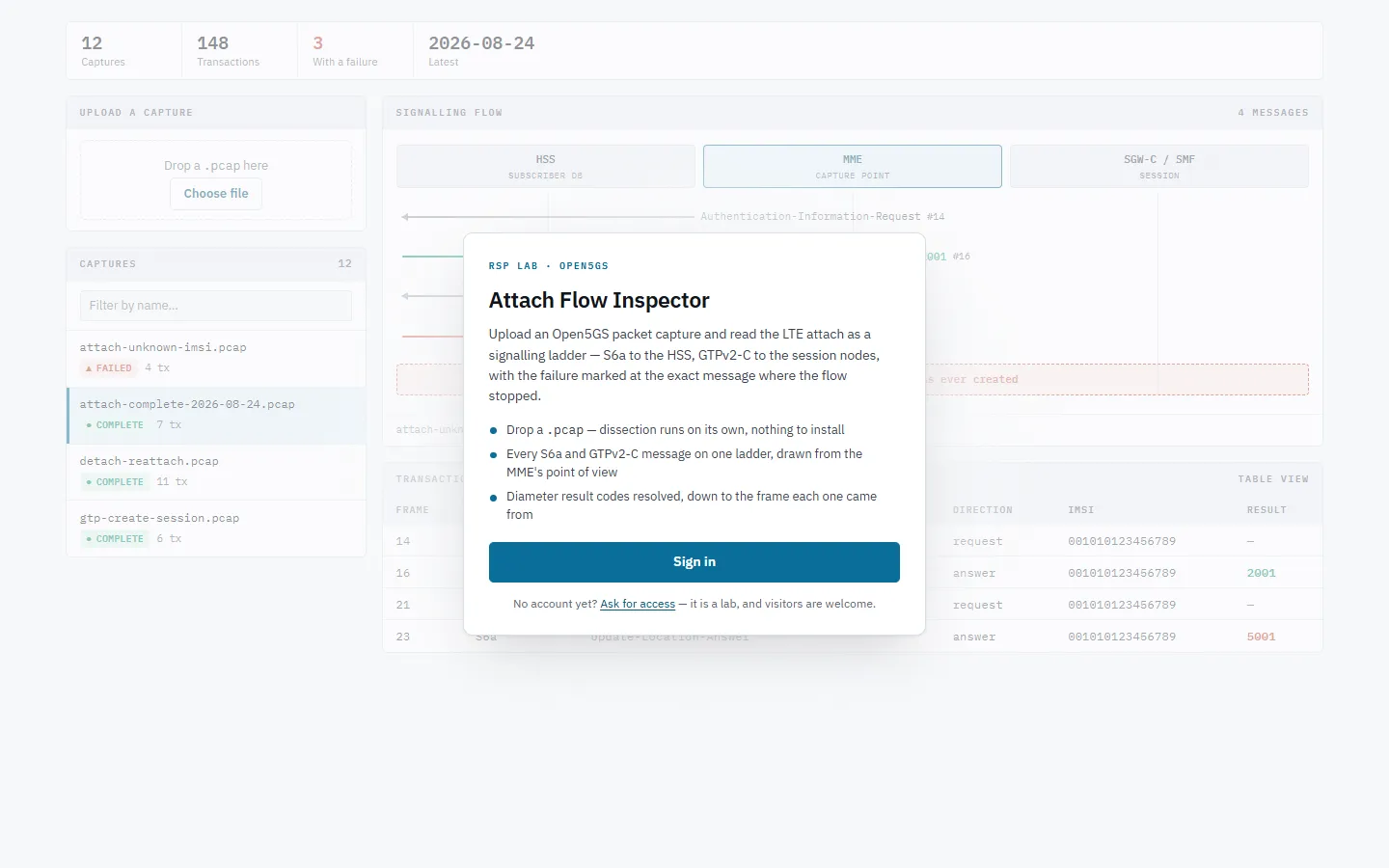
The Attach Flow Inspector turns a packet capture from an LTE core network
into a picture you can read: every S6a and GTPv2-C message on one ladder between
the HSS, the MME and the session nodes, with any failure marked exactly where the
flow stopped.
Sign-in. Captures are analysed on upload; nothing runs on the device that produced them.
Quick path: inspect a capture
Drag a .pcap or .pcapng onto Upload a capture, or Choose file.
Wait a few seconds while it is dissected. It appears in Captures by
itself.
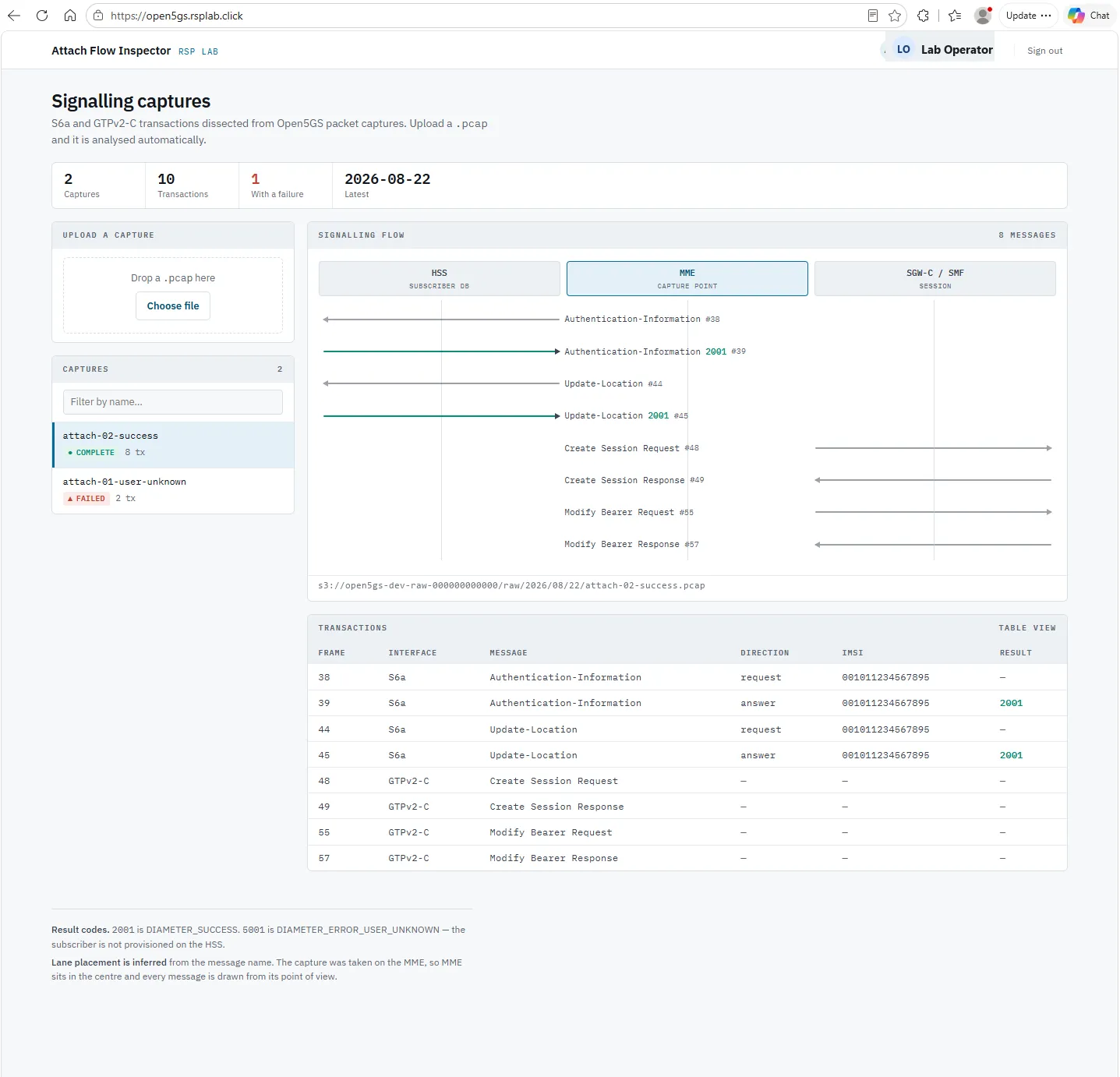
Select it. The Signalling flow draws the ladder; Transactions lists
the same messages as a table.
The screen
S6a and GTPv2-C transactions dissected from one pcap. Lane placement is inferred from the message name, and the capture was taken on the MME, so every message is drawn from its point of view.
Area
What it shows
Summary
How many captures and transactions, how many failed, and the latest date
Upload a capture
Drop zone and progress bar
Captures
Every uploaded capture, marked COMPLETE or FAILED, filterable by name
Signalling flow
The ladder: HSS, MME, and SGW-C / SMF, one arrow per message
Transactions
The same messages as rows: frame, interface, message, direction, IMSI, result
Reading the ladder
Each arrow is one message, labelled with its name and the capture frame number.
Hover or focus an arrow for detail: interface, direction, application id,
IMSI and result code.
Result 2001 is success. A result of 5000 or above is a failure, and the
ladder shows a red Flow halted banner at that point.
What to upload
Captures of an Open5GS (or other EPC) core containing S6a (Diameter) and GTPv2-C
traffic. Other protocols in the file are ignored, not rejected.
Troubleshooting
You see
Why
What to do
Upload refused
Your account does not have the maintain role
Ask for maintain
The capture never appears
The file is not .pcap/.pcapng, or dissection failed