Core console
The core console is the operator’s side of three parts of the lab’s core network:
- the equipment identity register, which decides which phones may use a line;
- the network exposure function, which lets an application wake a device or watch it;
- the policy control function, which decides how fast each line goes.
Everything you set here applies to your own lines and phones only.
| Address | core.rsplab.click/console |
| Access | a grant on eir, nef or pcf, one per tab |
| Sign-in | RSP Lab account |
Quick path: block a stolen phone
You need a lab phone with a line on the Entitlement console’s device emulator, and a grant on eir.
- On the emulator, turn on Wi-Fi calling. The phone registers.
- Equipment → Phones this line has been in: pick the phone’s line. Its phone is listed. Choose Block.
- Mode → enforce. Until you do this, a block is only logged (observe mode).
- On the emulator, try Wi-Fi calling again. It is refused, and the Check log shows the refusal with its reason.
- Remove the phone from Blocked, tracked and allowed phones. It is served again.
The tabs
| Tab | What it is for | To change anything |
|---|---|---|
| Equipment | Which phones may use your lines | maintain on eir |
| Exposure | Waking devices and watching lines | maintain on nef |
| Policy | What speed a line gets, and why | maintain on pcf |
A tab appears only when you hold a grant on its project. With read access you see everything and change nothing.
Equipment
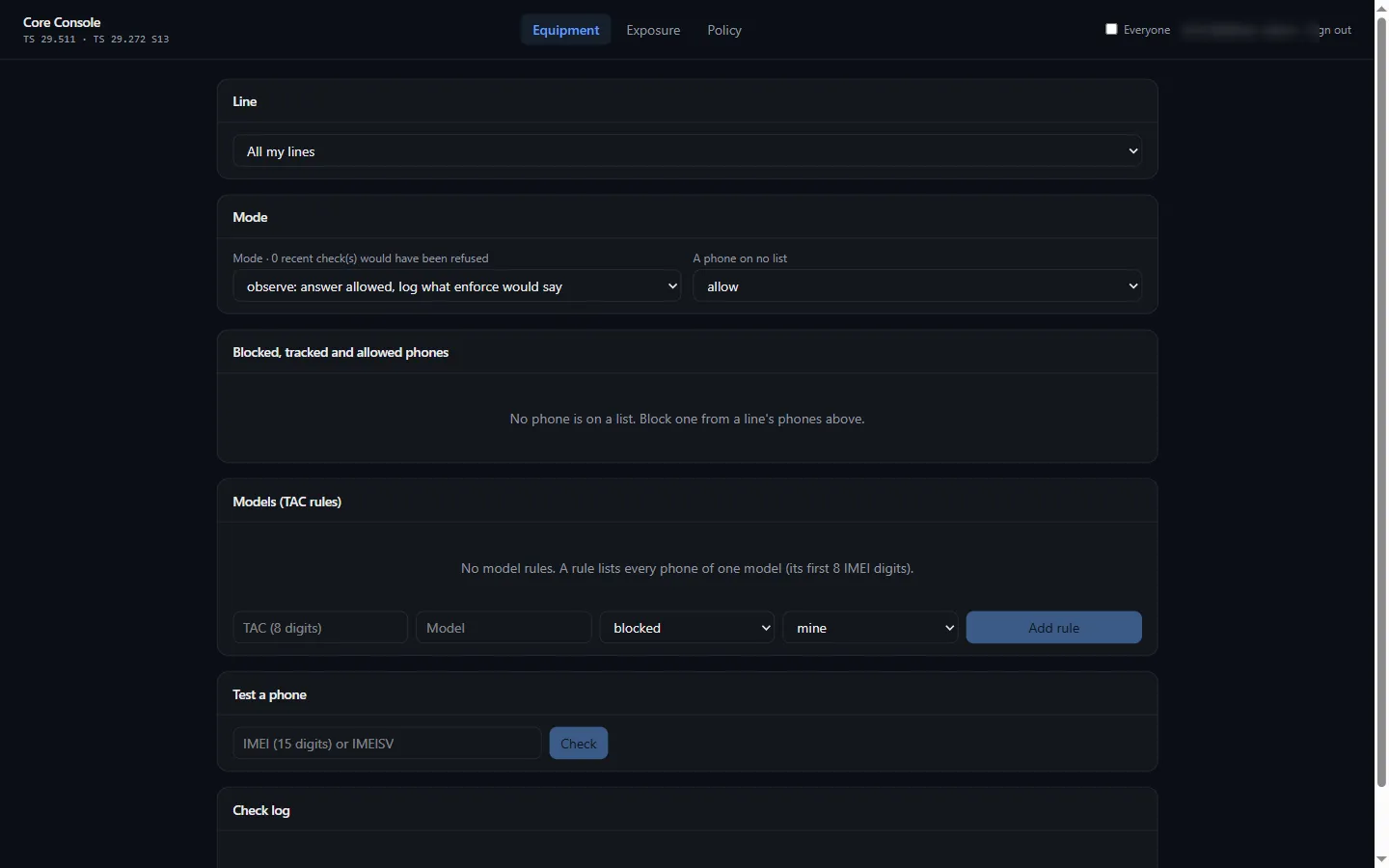
- Mode. Observe (the default) never refuses: it logs what enforce would have said. Enforce refuses blocked phones. You also choose what an unknown phone gets.
- Blocked, tracked and allowed phones. One entry per IMEI, with a reason. A tracked phone is served and logged.
- Models (TAC rules). A rule for a whole model, by its 8-digit TAC. A phone’s own entry wins over its model’s rule.
- Phones this line has been in. Every phone the line was seen in, newest first.
- Test a phone. Asks the register about an IMEI without it counting as a sighting.
- Check log. Every answer for 30 days.
A blocked phone loses Wi-Fi calling and the services the entitlement server gives it, and a line cannot be moved to it.
Exposure
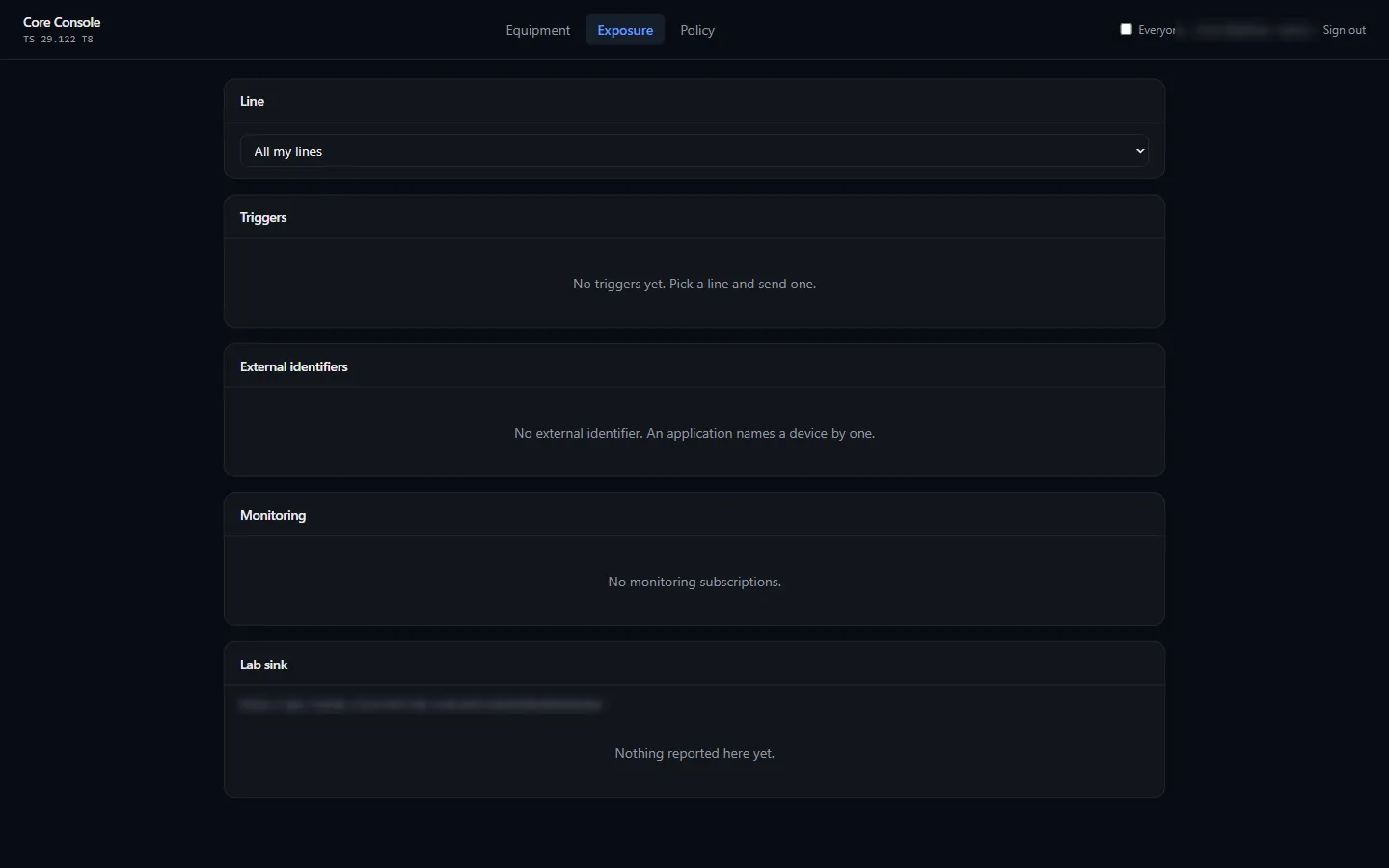
- External identifiers. Name a line the way an application knows it, such as
meter-1@…, instead of by its number. - Send a trigger. Wakes a device with a short message to an application port. Under Triggers, each shows its result: triggered, delivered, or expired if the phone was unreachable until its validity ran out.
- Monitoring. Subscribe to a line: reachable again, lost connectivity (airplane mode), or seen in another phone.
- Lab sink. The notifications sent for your triggers and subscriptions, for testing without a server of your own.
An IoT device in the eSIM simulator can be woken this way. In the eIM console, a card’s Device wake field takes the external identifier to wake.
Policy
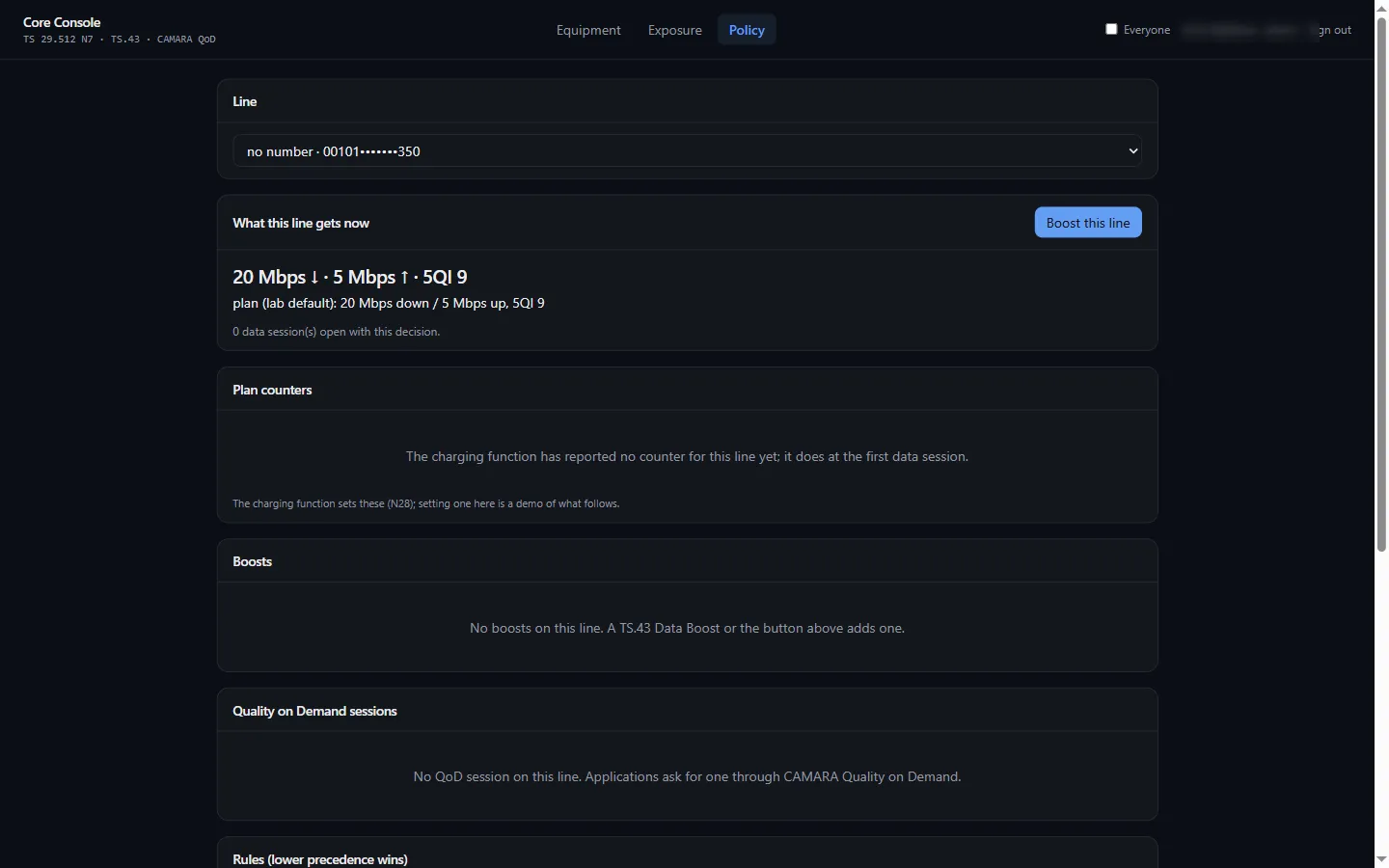
- What this line gets now. The line’s speed and the reasons, such as the plan, “allowance used up”, a Data Boost, or a Quality on Demand session.
- Plan counters. Whether the line’s allowance is used up, as the charging function reported it. You can set a counter here to test.
- Boosts. Data Boosts bought from the phone, with their end time.
- Quality on Demand sessions. Sessions an application started for this line through the lab’s network APIs.
- QoS profiles and Rules (lower precedence wins). The lab’s shared ones, plus your own. Add my throttle rule makes a rule that outranks the lab’s throttle.
Everyone
Administrators see an Everyone switch. It shows every account’s entries, triggers and data sessions, read-only, each with its owner.