eIM console
The eIM console manages eSIMs in IoT devices — meters, trackers, modules with no screen and nobody to tap “install”. You register a device’s eUICC, then queue work for it: enable or disable a profile, download a new one, change which eIM manages it. The device collects that work the next time it checks in, and reports back.
| Address | eim.rsplab.click/console |
| Access | a grant on the eIM project (eim) |
| Sign-in | RSP Lab account |
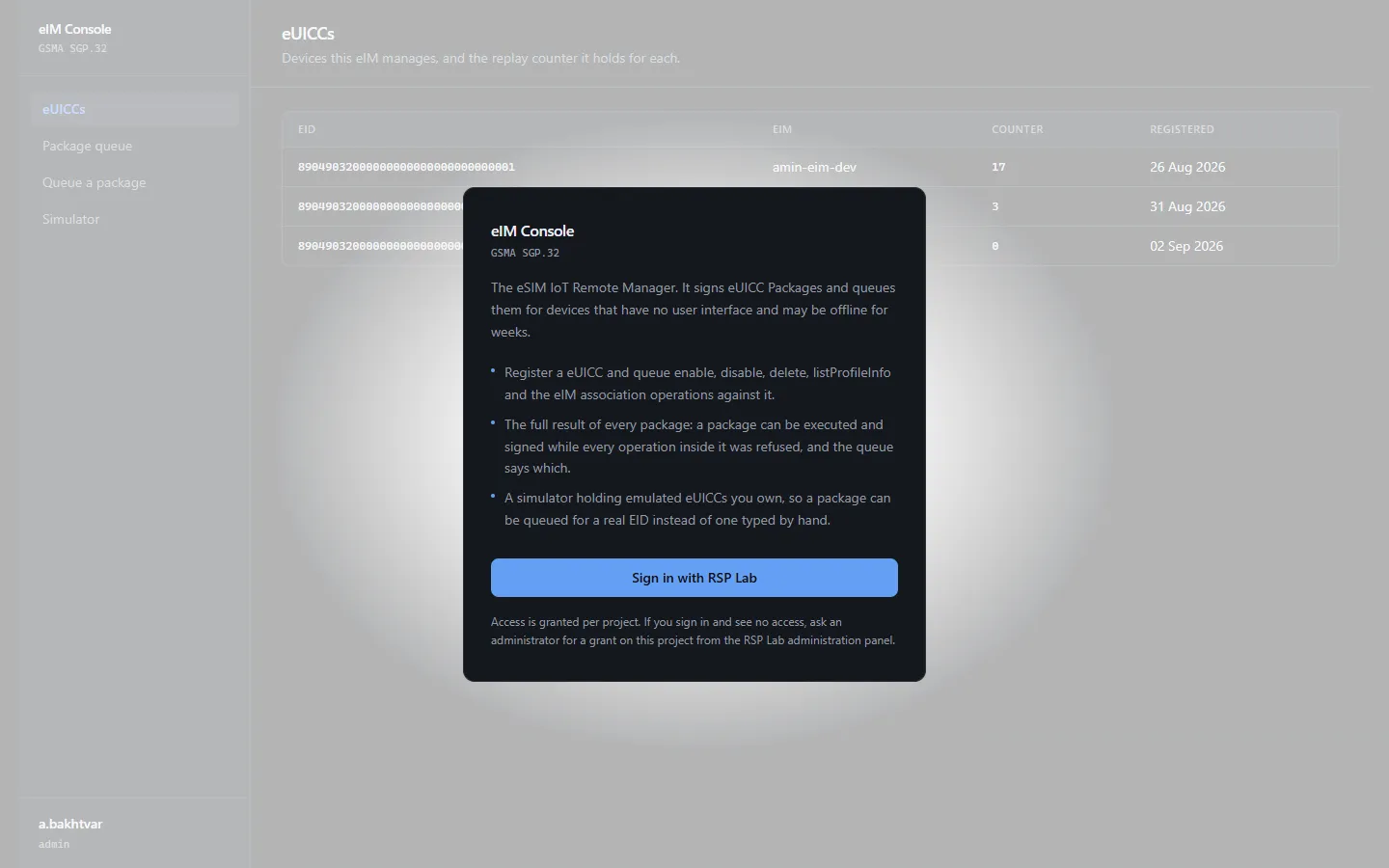
Quick path: send a device an operation
- In eUICCs, register the device’s EID (32 digits) if it is not listed.
- Open Queue a package, enter the EID, and choose an Operation.
- Fill in what the operation needs — usually an ICCID — and choose Queue package.
- Open Package queue for that EID to watch it move from queued to collected to completed.
Nothing happens on the device until the device itself checks in. Queuing is asking, not doing.
The sections
| Section | What it is for | To change anything |
|---|---|---|
| eUICCs | The devices registered with this eIM | maintain (register) |
| Package queue | Everything queued for one device, and its outcome | — |
| Queue a package | Send a device an operation | maintain |
| Simulator | Simulated eSIMs to practise on | maintain (mint) |
eUICCs
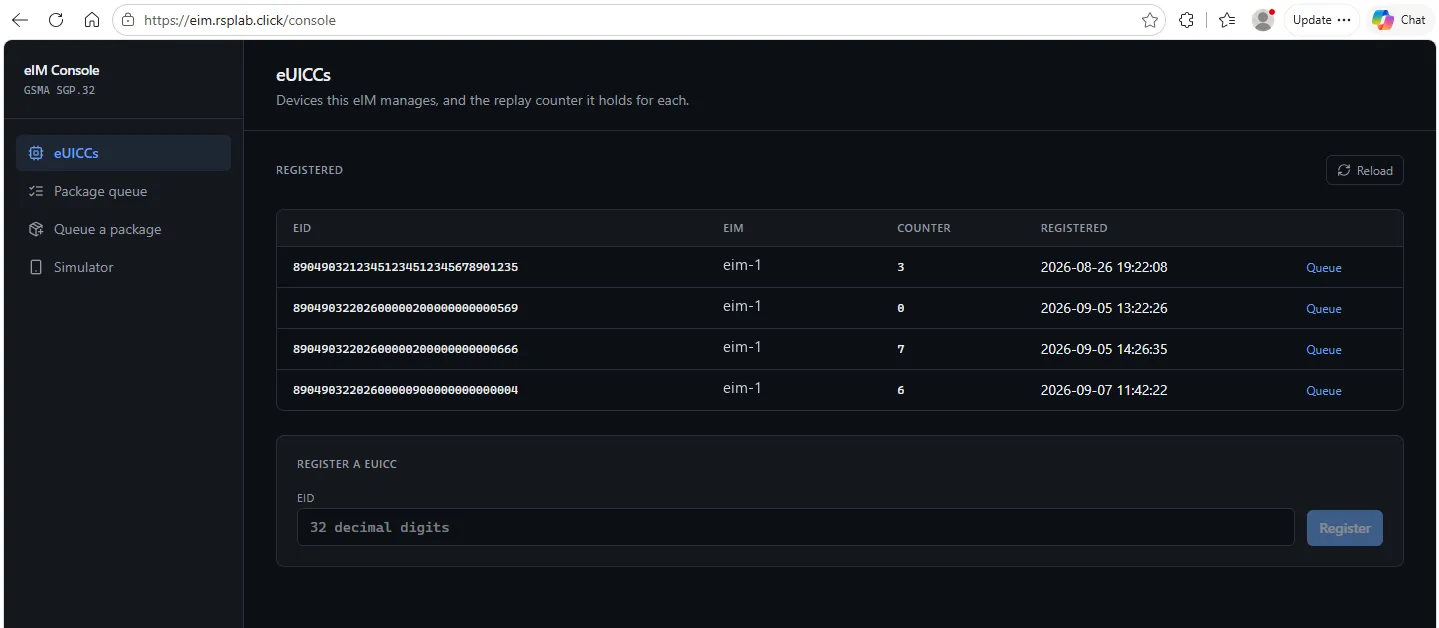
One row per registered device: its EID, the eIM it answers to, its counter, and when it was registered. To add one, type its EID under Register a eUICC and choose Register.
Device wake under a row names the device’s external identifier, such as
meter-1@…. With one set, queuing a package also wakes the device with a trigger
message, so it fetches the package at once instead of at its next poll. The
identifier is mapped to a line in the Core console’s Exposure
tab.
Package queue
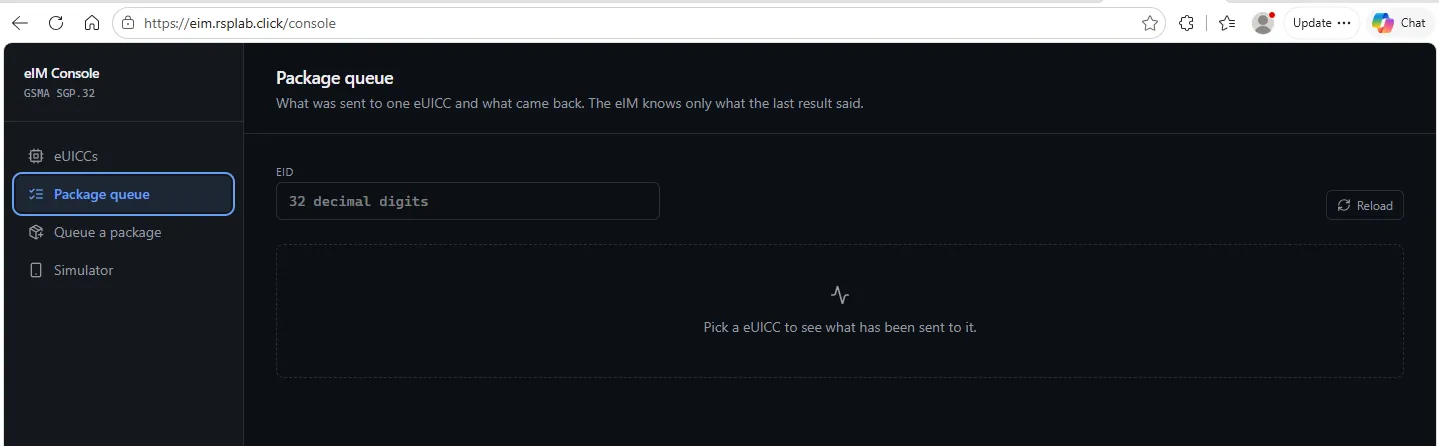
Enter an EID to see every package queued for it, newest first:
- Queued — waiting for the device to collect it.
- Collected — the device has it and is working.
- Reported — the device has answered; each operation shows ok or fail.
A package marked completed with no operation results is flagged — it means the device answered without saying what happened, which deserves a look.
Queue a package
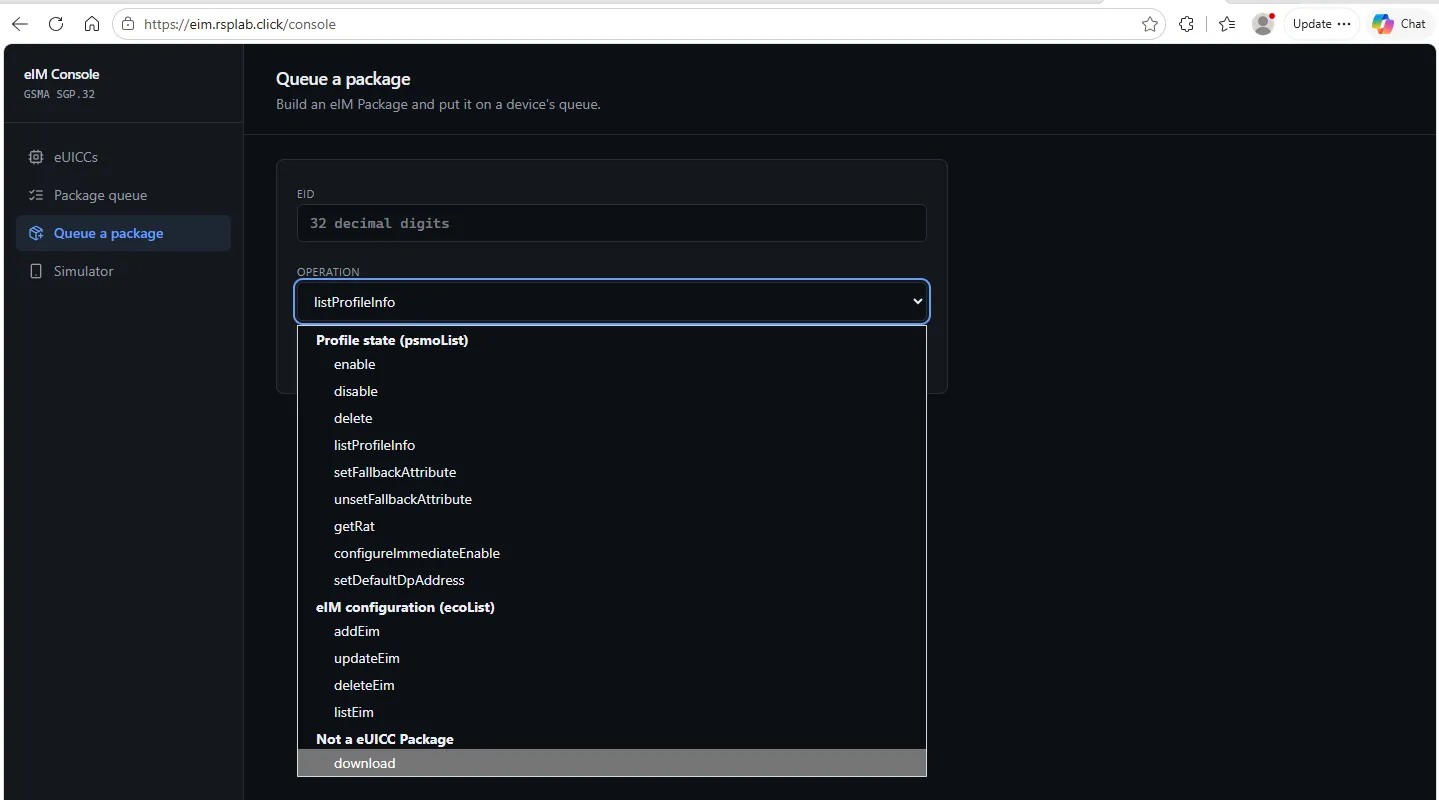
Choose the Operation first; the form then asks only for what it needs.
| Group | Operations | You provide |
|---|---|---|
| Profile state | enable, disable, delete, list profiles, set or unset the fallback profile, read the radio type, configure immediate enable, set the default SM-DP+ address | an ICCID, or the address |
| eIM configuration | add, update, delete or list the eIMs a device trusts | the target eIM’s id, address and key |
| Download | fetch a new profile | an activation code, or use the device’s default SM-DP+ |
Roll back if the new profile gets no connectivity asks the device to return to the previous profile if the new one cannot reach the network — tick it for any change you cannot fix remotely afterwards.
Simulator
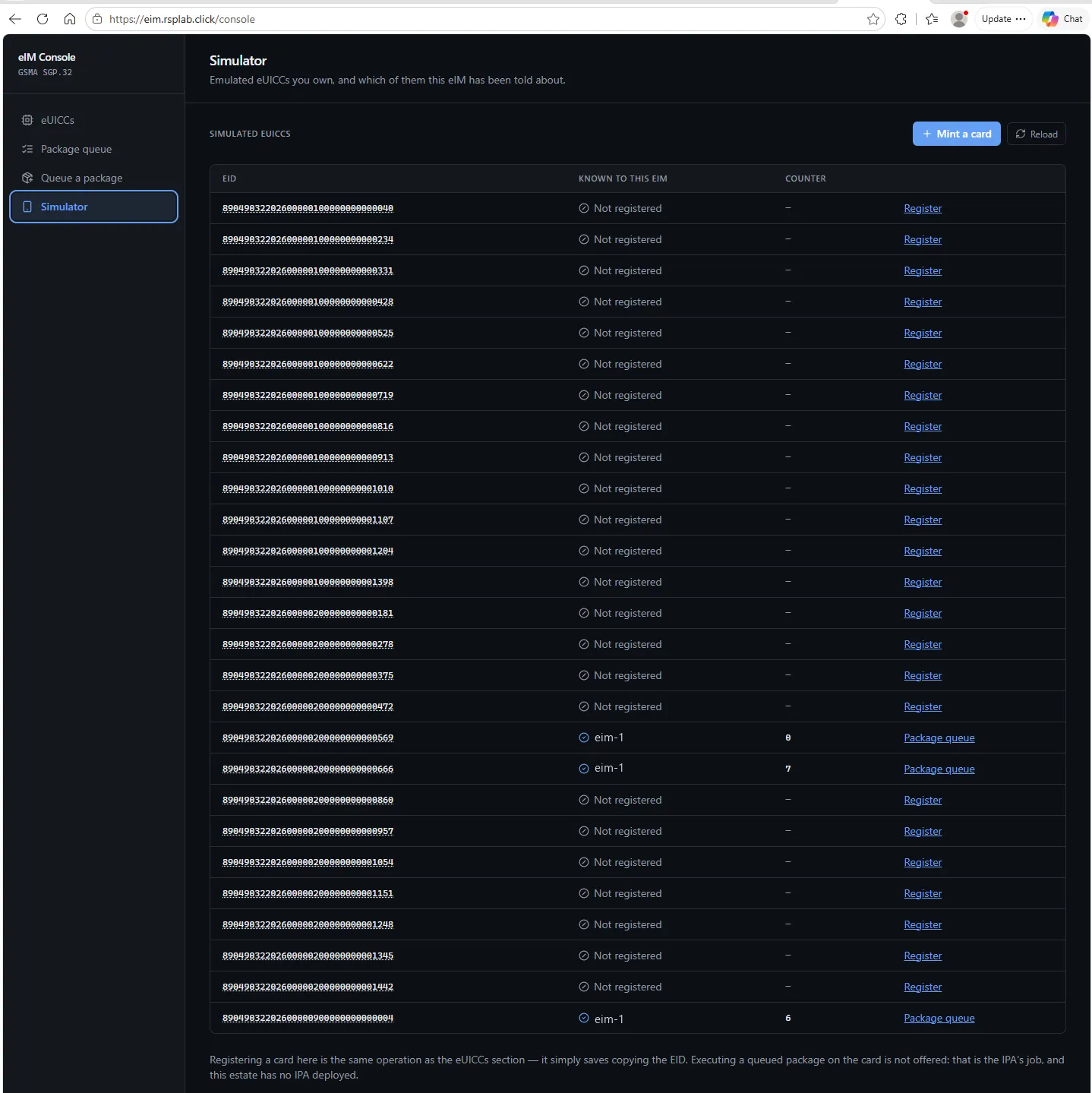
Simulated eSIMs to practise on. Mint a card creates one; Register adds it to this eIM, after which it appears under eUICCs. Expand a card to see its profiles, read live from the card.
The simulator deliberately has no “run this package now” button: packages reach a device only when the device collects them, and the console does not pretend otherwise.
Troubleshooting
| You see | Why | What to do |
|---|---|---|
| No access to the eIM | No grant on the eIM project | Ask for access |
| A package stays Queued | The device has not checked in | Wait for its next poll; nothing on the console can hurry it |
| An operation reports fail | The device refused it | The result code names the reason — for example, the ICCID is not on that card |
| The Simulator section is unavailable | The simulator service is not deployed | Use a registered device instead |